Understand the workbook.
Inventory VBA, forms, controls and Power Query. Find duplicates, blockers and unknown coverage before you begin.
 Cellwright
Excel VBA → LibreOffice
Your workbooks have years of work in them. Cellwright helps you inspect the VBA, rebuild supported code and understand what comes next.
Local processing. Original source retained. Every unresolved item explained.
01 Your files stay on your machine
02 Rules you can inspect
03 Scan without running macros
One workbook. A clear next step.
Go from a workbook full of macros to an understandable migration plan. See the generated code, the original beside it, and a checklist of what still needs work.
Conversion and testing have separate statuses. Skipped parts remain clearly marked as unknown coverage.
Walk through your first migration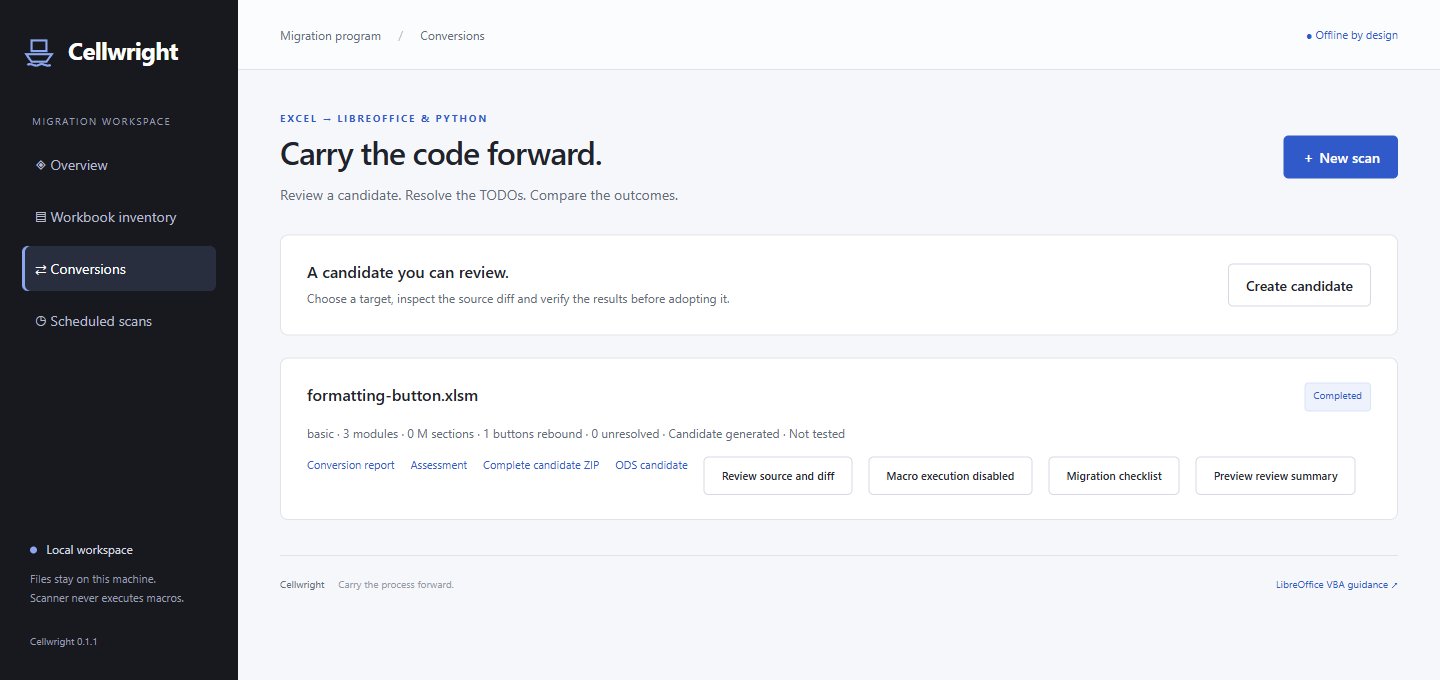
Inventory VBA, forms, controls and Power Query. Find duplicates, blockers and unknown coverage before you begin.
Generate Basic or Python candidates and review the diff. Supported UserForms and ActiveX controls get editable layouts and source-matched event candidates.
Each unresolved item has a location, a reason and a next action. Choose routines, inputs and cells for a comparison when you explicitly enable execution.
Getting started
The archive includes everything Cellwright supplies: the scanner, local dashboard, migration tools and a sample workbook. Setup checks tell you which dependencies to install.
Read the complete migration guideHonest about the limits
Custom ActiveX controls, complex or dynamic forms, lifecycle events and unsupported code stay on the manual checklist. Skipped workbook parts stay marked as unknown.
Form display and new Basic helper behavior are not runtime-verified. Effort ranges remain uncalibrated planning estimates.